Your data stays local
The application and encrypted-by-Windows private profile run on your computer, bound only to localhost.
Windows 11 alpha · version 0.1.0
A local-first home for household finances: import statements, organize transactions and receipts, plan ahead, and keep your profile on your own PC.
95 MB · 64-bit Windows 11 · per-user install · no Python required

Product tour
These screens come from the real Windows application using an entirely synthetic sample household. No personal or production financial data appears here.
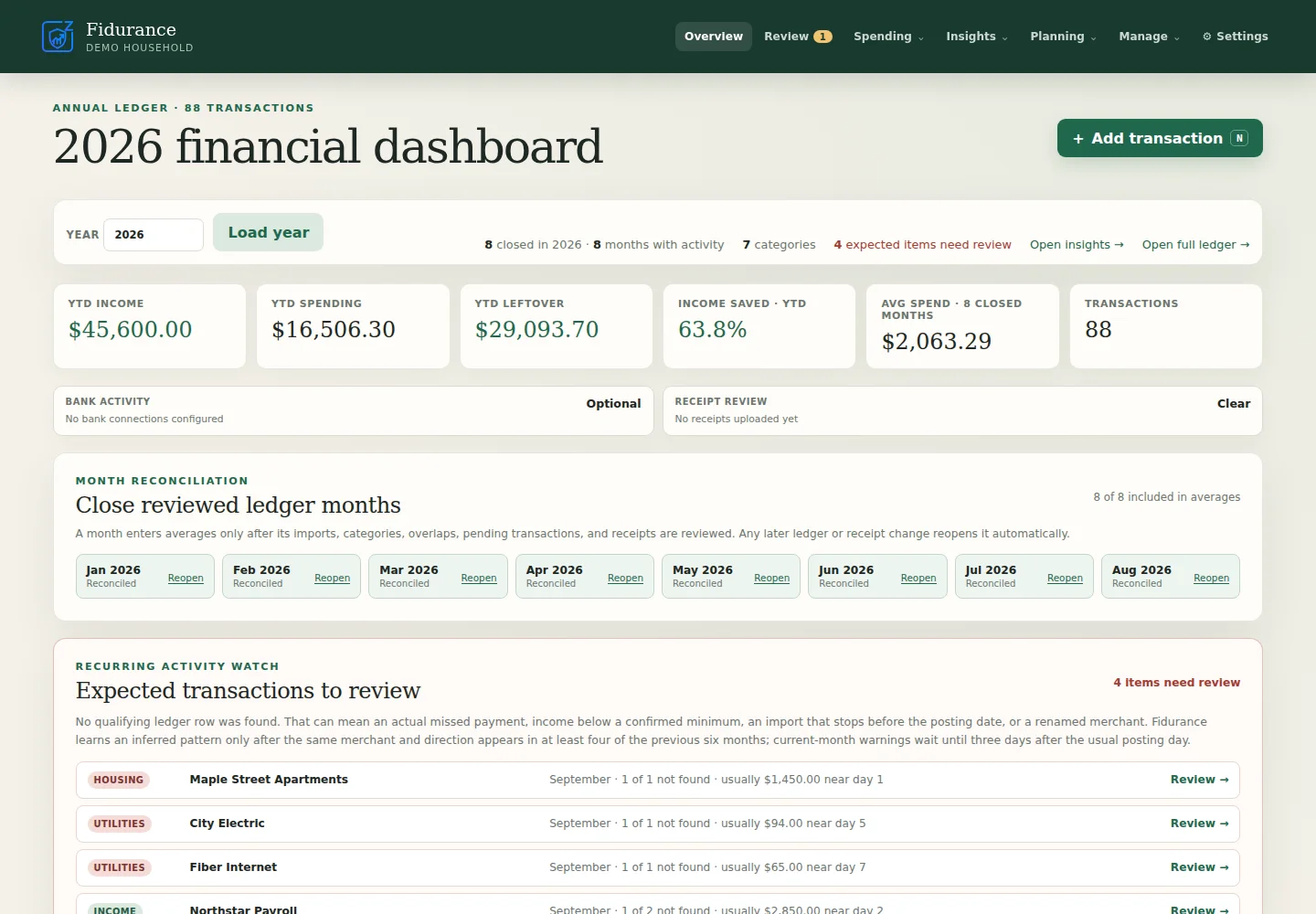
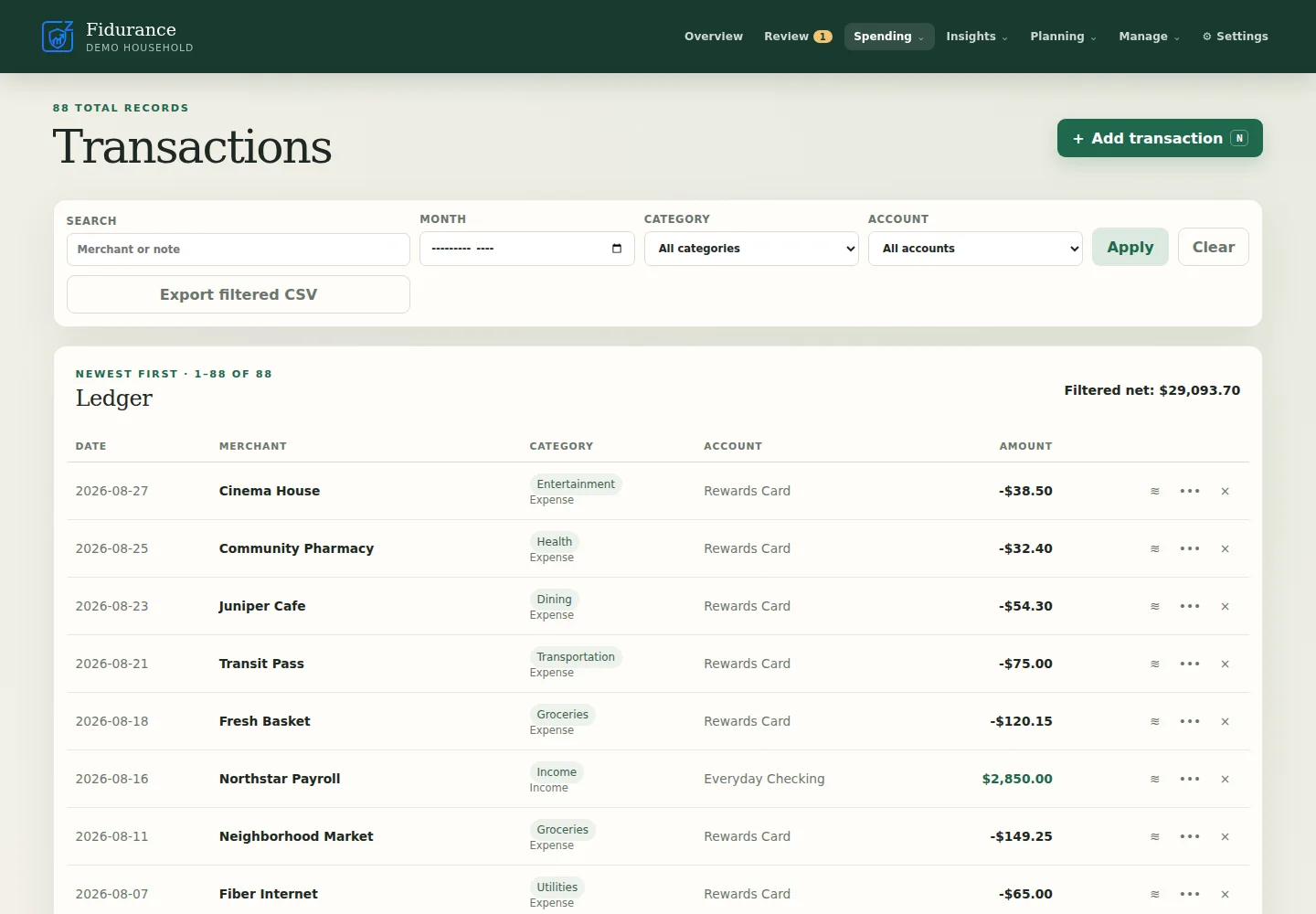
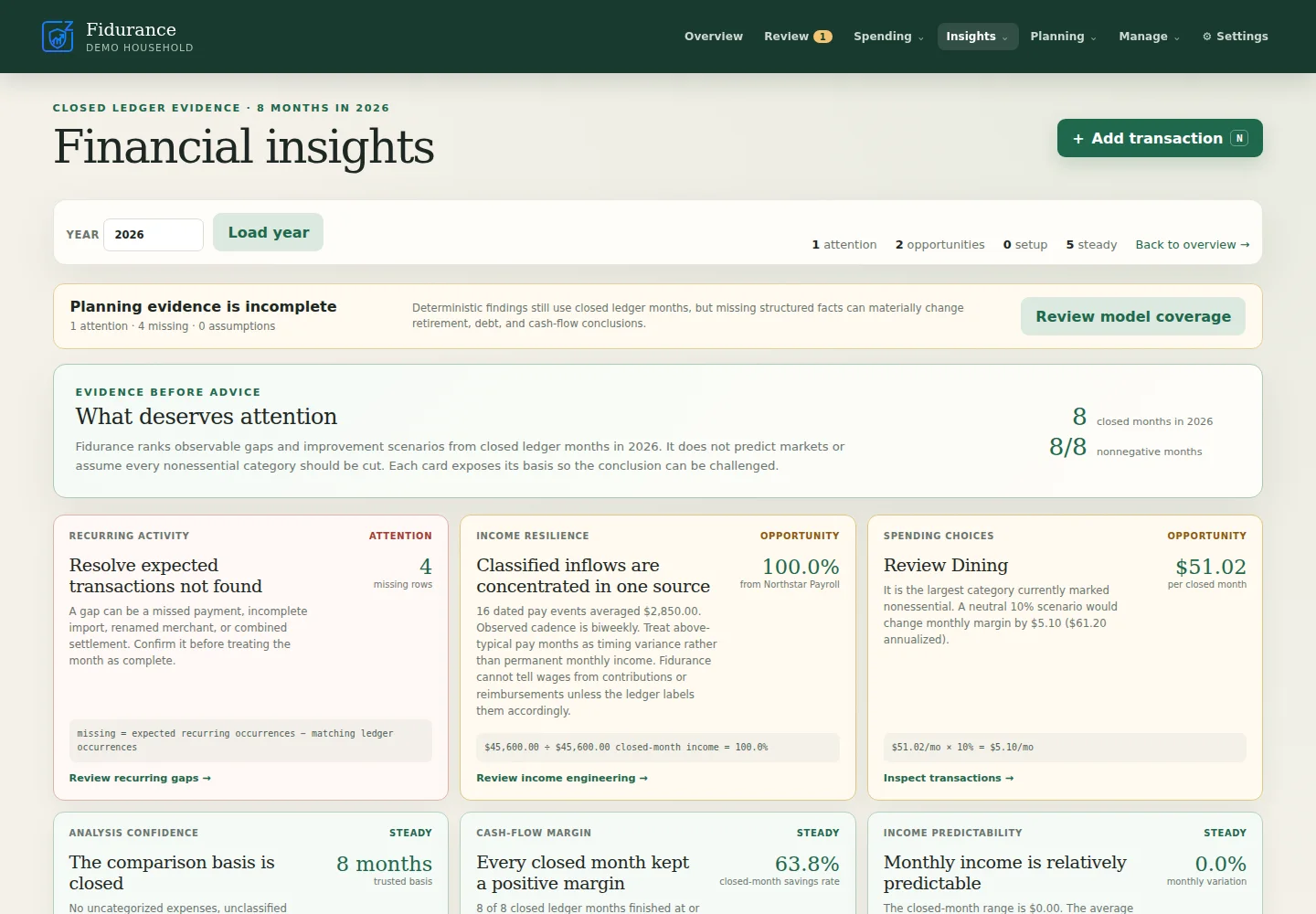
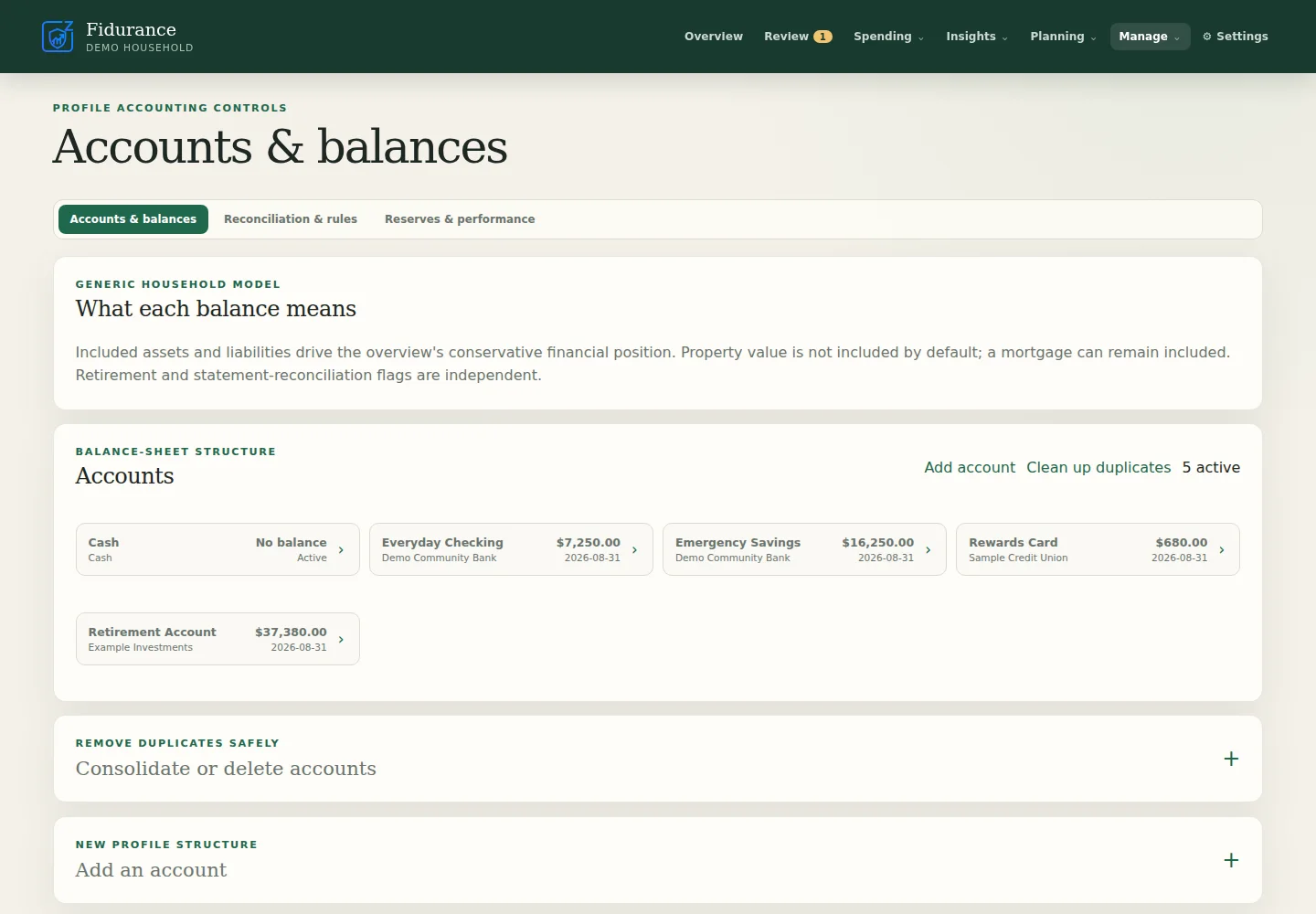
The application and encrypted-by-Windows private profile run on your computer, bound only to localhost.
Import supported CSV, spreadsheet, PDF, and Fidurance history exports without handing a hosted service your ledger.
Optionally connect your own SimpleFIN Bridge, map multiple checking, savings, and credit accounts, and let Fidurance retrieve posted transactions automatically. SimpleFIN is a separate service and may charge its own fee.
Fidurance checks for releases, downloads the installer, and accepts it only after its pinned signature and SHA-256 digest verify.